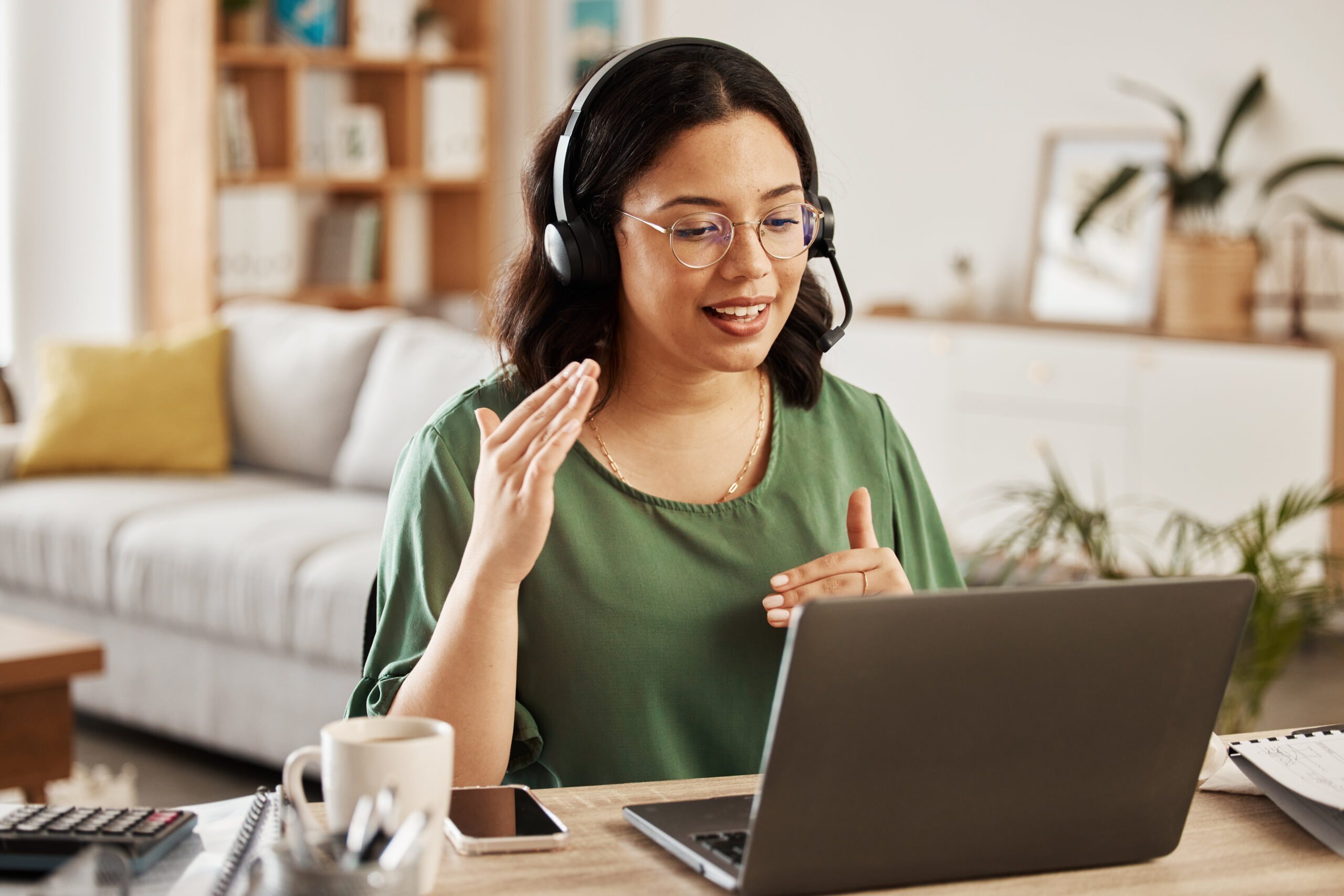
Working from home is a common practice for many of us, which means that we are reliant on video conferencing technologies to connect with teams, virtually meet clients and deliver presentations. In this article, we provide some practical tips to help you look and sound your best.
Dress The Part
Research indicates that how a person dresses has a bearing not only on how others perceive them, but on their own self-esteem and workplace behaviours1.
While working from home may be a more casual setting than working from an office with your colleagues, consider that what you choose to wear will impact how your colleagues view you during video calls, and on your own performance.
While you could probably get away with wearing jeans, consider that you may need to stand up during a video meeting and walk away from your computer during the call (for example to manage something that comes up at home).
Much like a video shoot, think about the fact that you are going to be on camera. Ensure you look neat and professional: wear make up if you feel you need to, and dress appropriately for your audience/colleagues.
Manage The Background
Run a test meeting by yourself and observe your background: it may be a bare wall, a bookshelf, or another room. Have a think about what looks best. A bookshelf can look good, but if cluttered it may be too ‘busy’ as a background and may be distracting for your audience/colleagues. A bare wall is fine because it leaves your audience to focus on you, however a little bit of ‘set dressing’ can help (such as having a plant in the background or a picture).
Much like in a video shoot, having some depth in the background looks good—for example, a neat room behind you in the distance.
Work with what you have: you may only have a small space to work with. Whatever your background however, remove clutter and ensure it looks as professional as possible.
Lighting Matters
Again, just like in a video shoot it is important to ensure that the lighting is appropriate so that your features are clearly seen on camera. In video (just like in the film industry and in photography) we use what it known as ‘three-point lighting’. This comprises: a key light, a fill light, and a back light. In basic terms, this means having a light source directly lighting your face from the left or right side, plus a softer light that fills the other side of your face, and a light shining onto the back of your head.
When done correctly, this creates a rim of light around you: separating you from the background. Be careful not to have a really bright light source behind you (such the sun coming through a window) because this will make you become a silhouette. In any case, work with what you have to make sure that your face is as clear as possible, with no shadows across your face. Using one or two light sources is fine: just focus on ensuring that your face will clearly be seen on camera.
Sound Your Best
If your computer has a good quality built-in microphone, this may be adequate for video meetings. Run some tests on the audio quality—for example, run a test meeting with a friend or colleague. If there are any issues with the audio, consider investing in a good quality external microphone that you can plug into your computer.
To reduce echoes in the room, consider sound dampening. For example, add a carpet to the floor to absorb some of the sound in the room.
Keen To Keep Learning?
We hope these tips help you for your future video meetings and presentations. If you have any questions, get in touch any time.
If you do want to learn more, good news: we have a diverse range of training options available to enhance your video presentation skills. For all the details, head over to our sister site where you find links to our online training courses, one-on-one and group tailored training sessions and free guides and templates.
References
- Kim, J. (2021). “Look Good, Feel Good”: Daily Dress Choice and Work Outcomes (Publication Number 28548546) [Ph.D., Temple University]. ProQuest Dissertations & Theses Global. United States — Pennsylvania. https://go.openathens.net/redirector/westernsydney.edu.au?url=https://www.proquest.com/dissertations-theses/look-good-feel-daily-dress-choice-work-outcomes/docview/2572593167/se-2?accountid=36155