
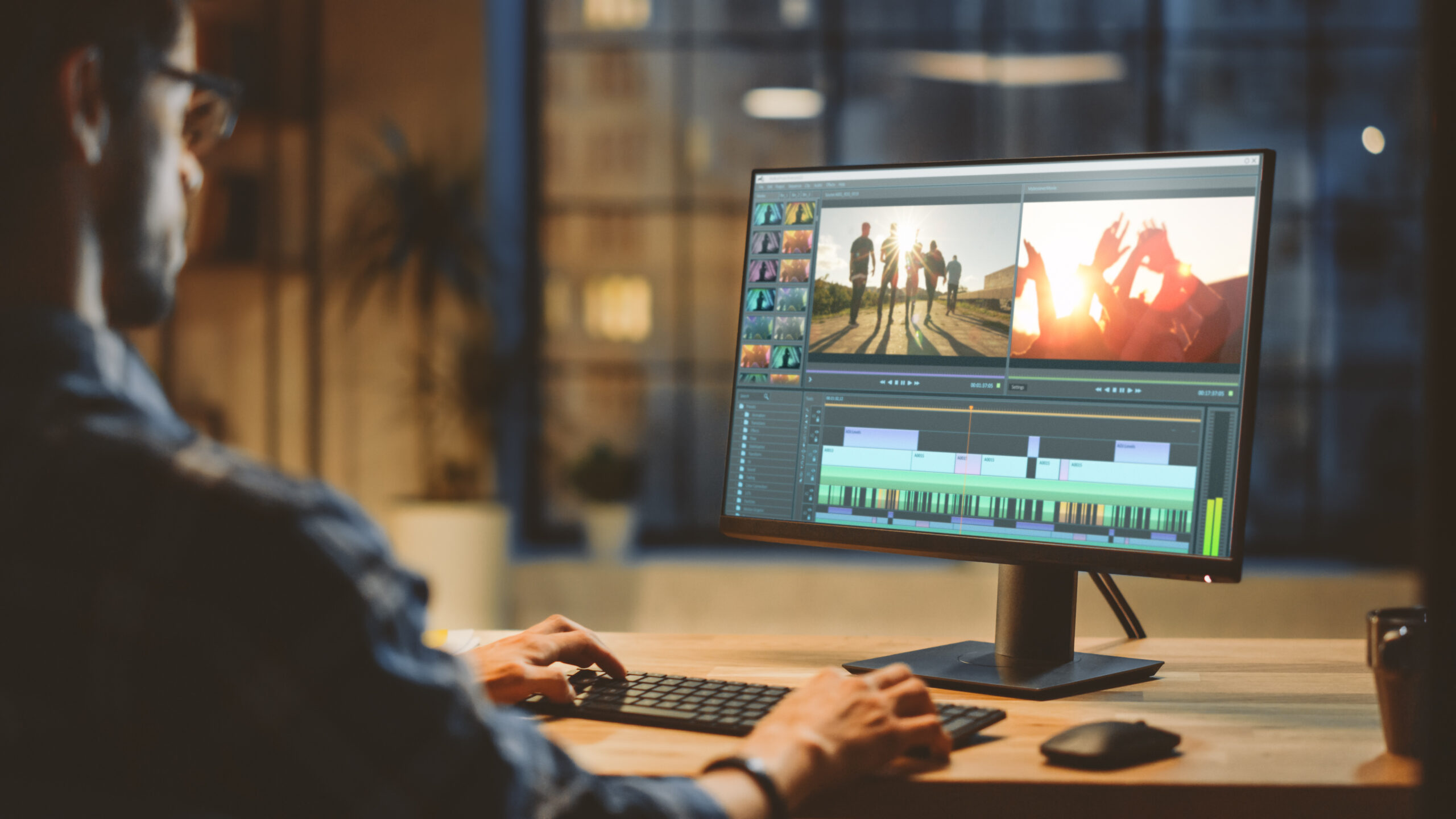
Video editing is an art form in itself and can take a long time to master, however with a few helpful pieces of advice you can master it sooner. Here are our four tips to help you master video editing, faster.
Tip 1: Choose Your Software
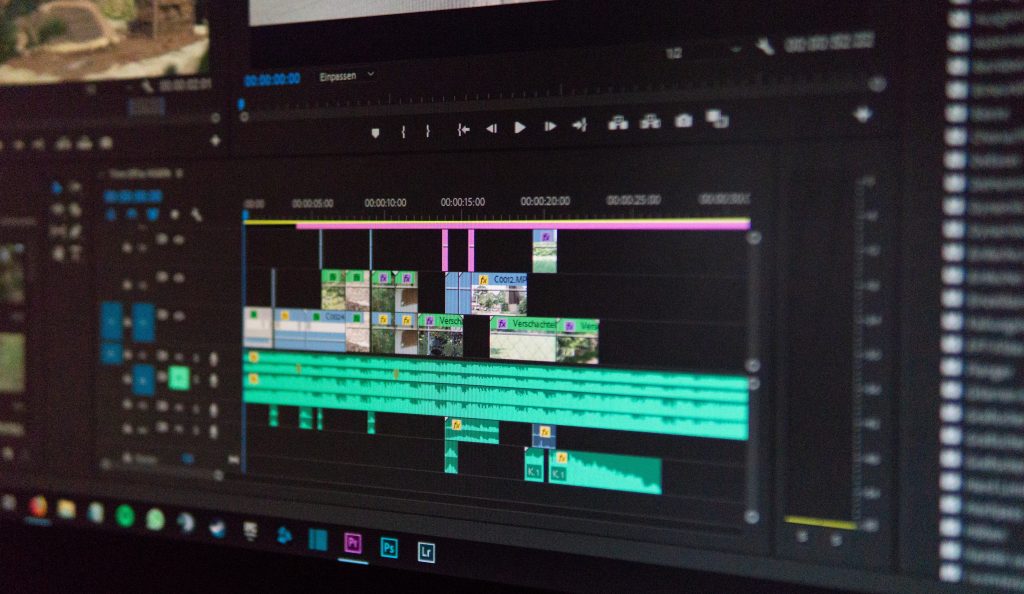
Will you edit on your smartphone, tablet or desktop? Do some research: read reviews of video editing software that would be suitable for your preferred device, and try a few out.
No matter which software you choose, it should allow you to do the following basic functions:
- Cut out footage that you don’t wish to keep in your edit
- Merge two or more video clips together
- Add text on screen.
Experiment: try editing the same pieces of footage using different software and find out which you prefer to work with. As you become more comfortable with editing, you may wish to upgrade to software that has more features.
Tip 2: Stick to Your Story

No matter what kind of video footage you shot or which device and software you choose to edit with, the story of your video is key. Ask yourself who your video is speaking to, and what the story is that you wish to share.
Stick to this story and keep your message simple. It can be very easy to get carried away when editing: you might want to add more detail, graphics and text but just stick to your story.
Tip 3: Ask For Feedback

Just like any project you work closely on, when you are editing you will know the content of the video more than anyone else, so it can be easy to miss when something in the video isn’t working. This is why it is so important to ask for feedback from someone who is unfamiliar with the video.
Once you have completed an edit, ask for feedback: ideally from someone in your target audience. Here are some good questions to ask:
- What did you learn by watching the video?
- Did you notice anything that didn’t work?
- How did the video make you feel? E.g. excited, bored, scared, motivated
- What do you think the key messages are?
Think back to what your goals are for your video, and check to see if it is meeting the needs of your audience.
Tip 4: Accept Feedback & Make Changes

Feedback can be difficult to take, particularly when you have spent a lot of time on your edit. However, keep in mind that your video is for your audience: not for you. If it isn’t working for your audience, it needs to be updated.
So, accept the feedback and make changes until it is clear for your target audience. This can take a lot of additional time and effort, but as you continue to amend your video, your editing skills will improve and future edits will be faster. With enough practice, video editing will become second nature!
Interested In Learning More?
You can learn more about video production by registering for our comprehensive, self-paced online video skills training course. The course covers:
- Pre-production (scripting, storyboarding, video strategy)
- Production (how to look good on camera, how to shoot better video, how to light your video well) and
- Post-production (tips on adding music, voice over, captions, and sharing your video with your audience).
The course contains fifty video lessons along with quizzes, templates and guides.
Follow this link to the free taster lesson. You will learn why video is such a powerful medium for sharing knowledge with your audience.
As always, if you have questions or want to learn more, contact us.